How to Watch Any Streaming Service on Your Tesla's Rear Screen (Workaround Guide)
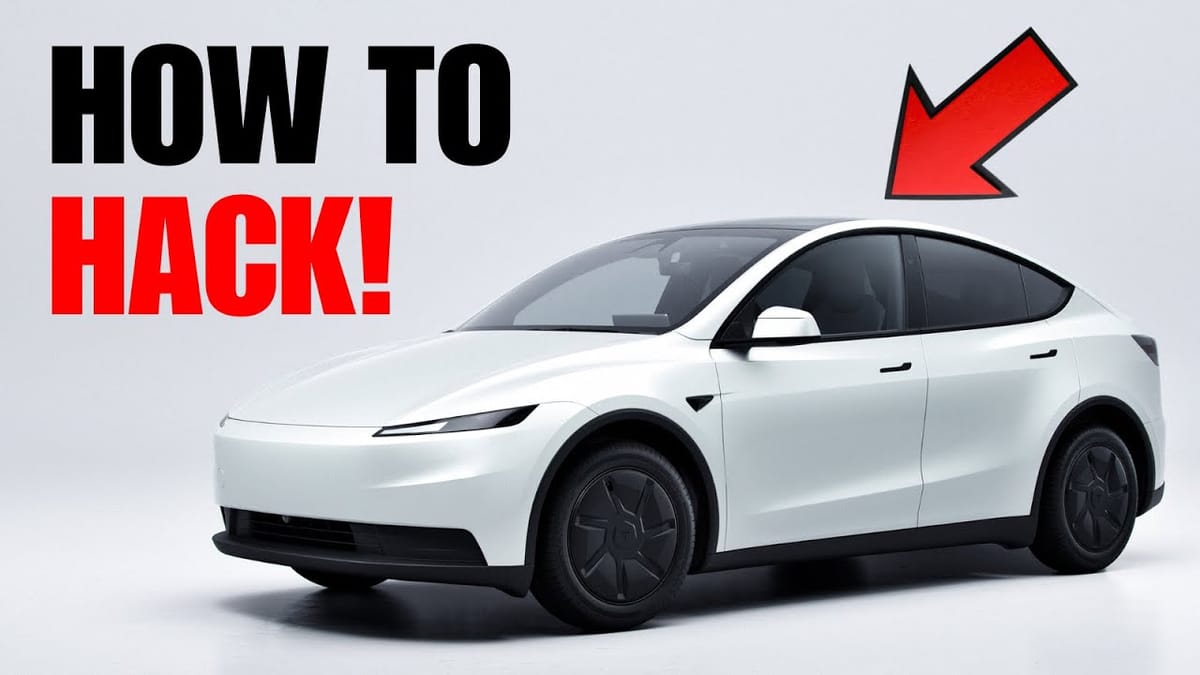
If you own a newer Tesla Model S, X, or the refreshed Model 3/Y, you know that the rear screen is a fantastic feature for keeping passengers entertained. However, the native Tesla Theater is somewhat limited. While it includes staples like Netflix, Disney+, and YouTube, you might find yourself wishing you could access other services like HBO Max, Amazon Prime Video, or Plex.
Currently, Tesla restricts the rear screen's functionality compared to the front, specifically lacking a direct web browser application. This means you can't simply type in a URL to stream content not natively supported.
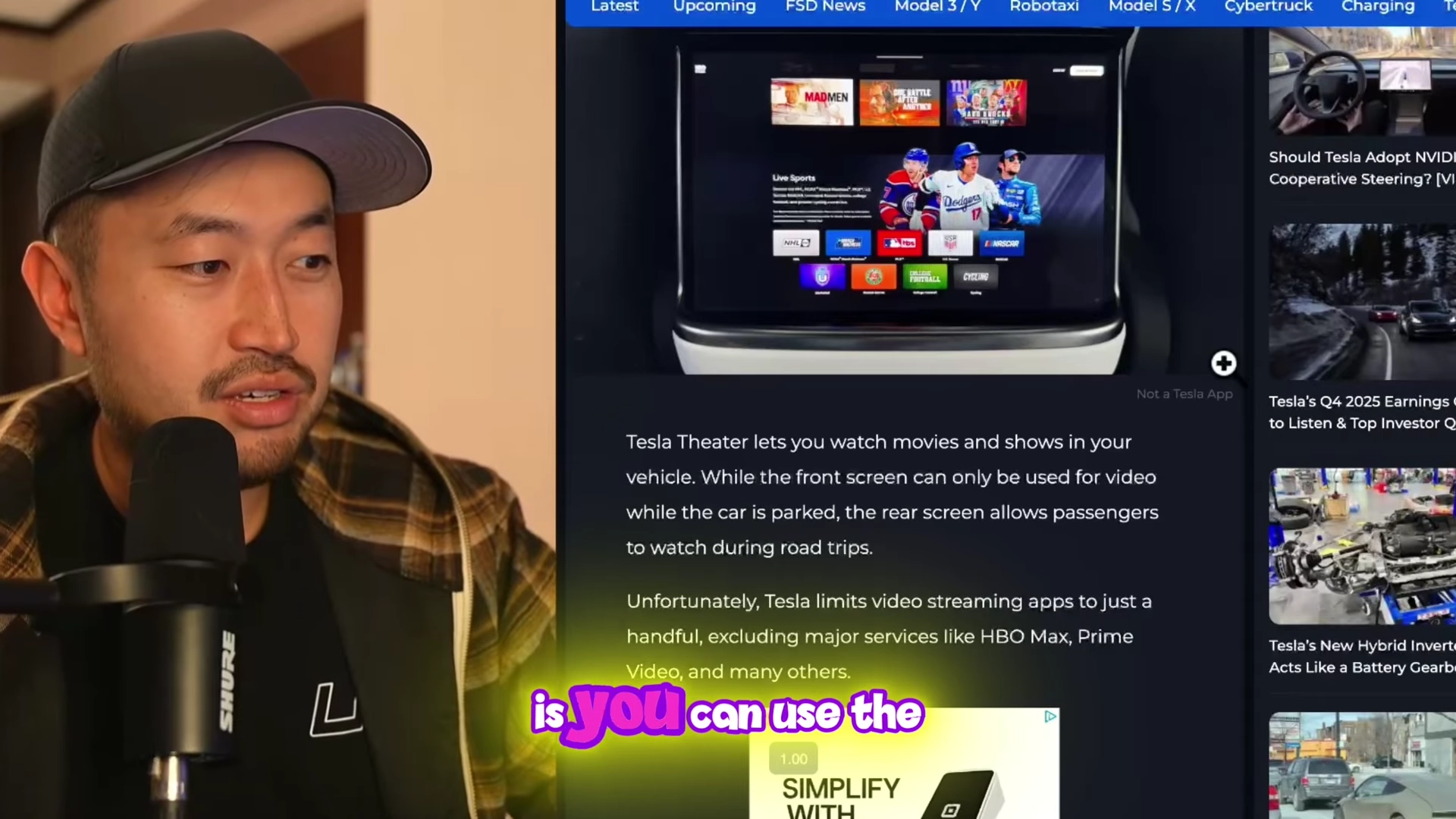
However, thanks to a clever discovery by the Tesla community, there is a simple workaround that allows you to "hack" the rear screen to access a full Google browser. This opens the door to virtually any streaming site you want to watch.
Here is a step-by-step guide on how to unlock the full potential of your rear entertainment display.
The "YouTube Loophole" Method
Since there is no dedicated browser app in the rear interface, we have to leverage an existing app to break out into the open web. We will be using the YouTube app for this trick.
Step 1: Open the Entertainment Tab
On your rear screen, tap the Entertainment icon at the bottom to bring up the Tesla Theater menu.
Step 2: Launch YouTube
Select the YouTube application. You need to wait for the app to fully load into its main interface.
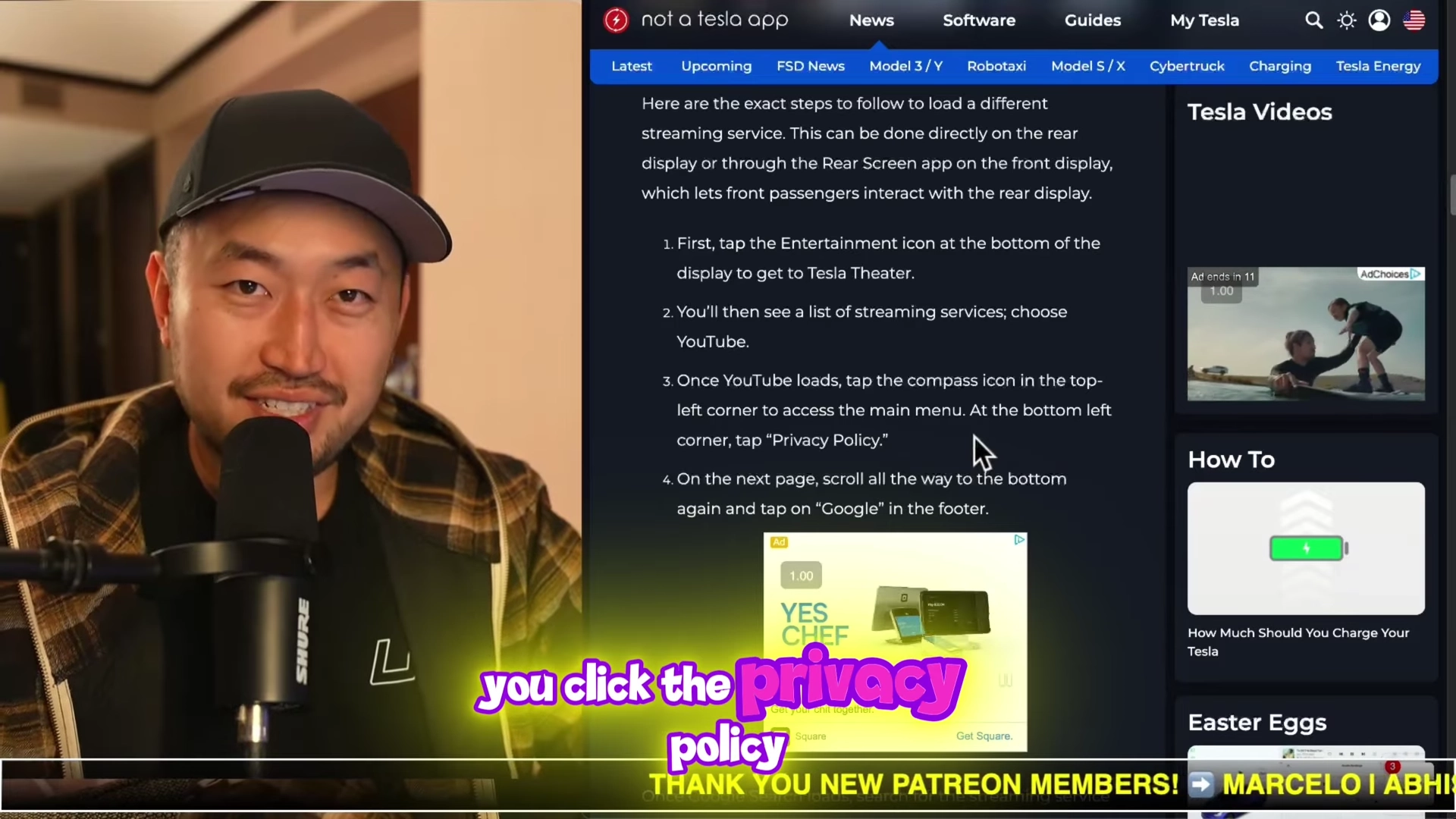
Step 3: Access the Privacy Policy
This is the critical step. Once YouTube is open, look at the bottom left corner of the navigation menu. You will see a button labeled "Settings" or links for terms and privacy. Tap on "Privacy Policy."
Step 4: Navigate to Google Search
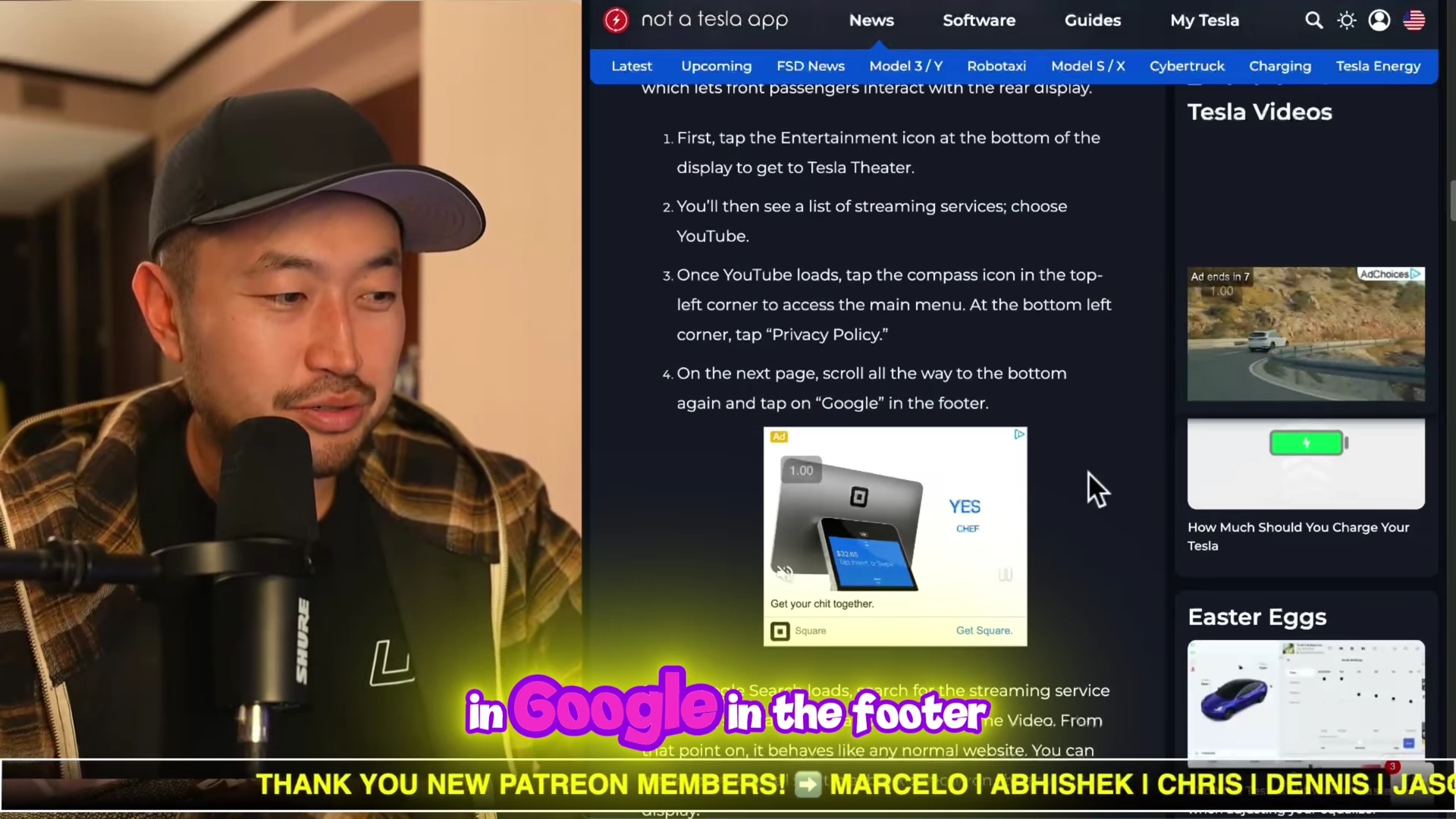
Clicking the privacy policy opens a web page wrapper. Scroll all the way to the bottom of this text-heavy page. In the footer, you should see a link for "Google." Tap on it.
Step 5: Browse and Stream
You now have a functional Google Search page. From here, you can search for "HBO Max," "Amazon Prime Video," or any other service.
Click the link, log in to your account, and you can start streaming directly through this browser window. While the interface essentially mimics a desktop or mobile browser experience, it bypasses the app restrictions imposed by Tesla's software.
Alternative: A Better Theater
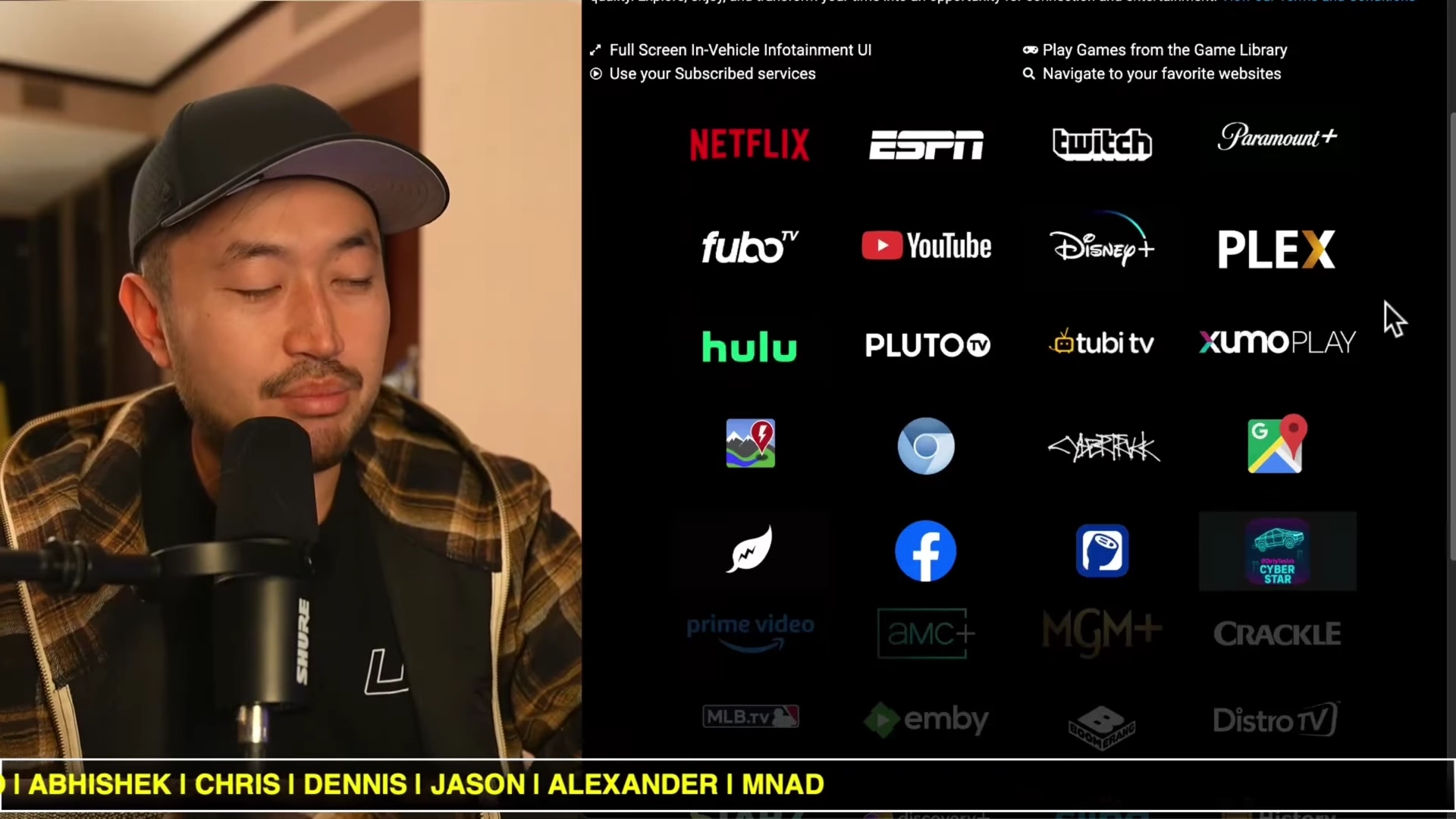
If you find the YouTube workaround too tedious to repeat every time, you might want to look into third-party web aggregators like ABetterTheater.com.
While this site is primarily designed to enhance the front screen experience by providing a full-screen dashboard of apps, it is browser-based. If you use the method above to get to a browser on the rear screen, navigating to this URL provides a much cleaner, touch-friendly interface with shortcuts to almost every major streaming platform, including sports and music apps.
Will This Be Patched?
It is important to note that this is an unintended workaround. Tesla could potentially remove the navigation links within the YouTube app or restrict where those links can go in future software updates. However, until then, this remains the most effective way to let your rear passengers watch whatever they want during road trips.