How to Turn Off the Wireless Charging Pad in Your Tesla
If you own a newer Tesla Model 3 or Model Y, you are likely familiar with the felt-covered wireless charging pads in the center console. While convenient, wireless charging isn't always ideal for every situation. Tesla has released a software update that finally gives owners the ability to toggle these charging pads off directly from the vehicle's menu.
Whether your phone overheats, cycles constantly between charging states, or you simply prefer wired charging, here is a quick guide on how to disable the wireless charging feature and a look at a great wired alternative.
Step-by-Step Instructions
Disabling the charging pad is a straightforward process found within the charging settings of your vehicle's infotainment system.
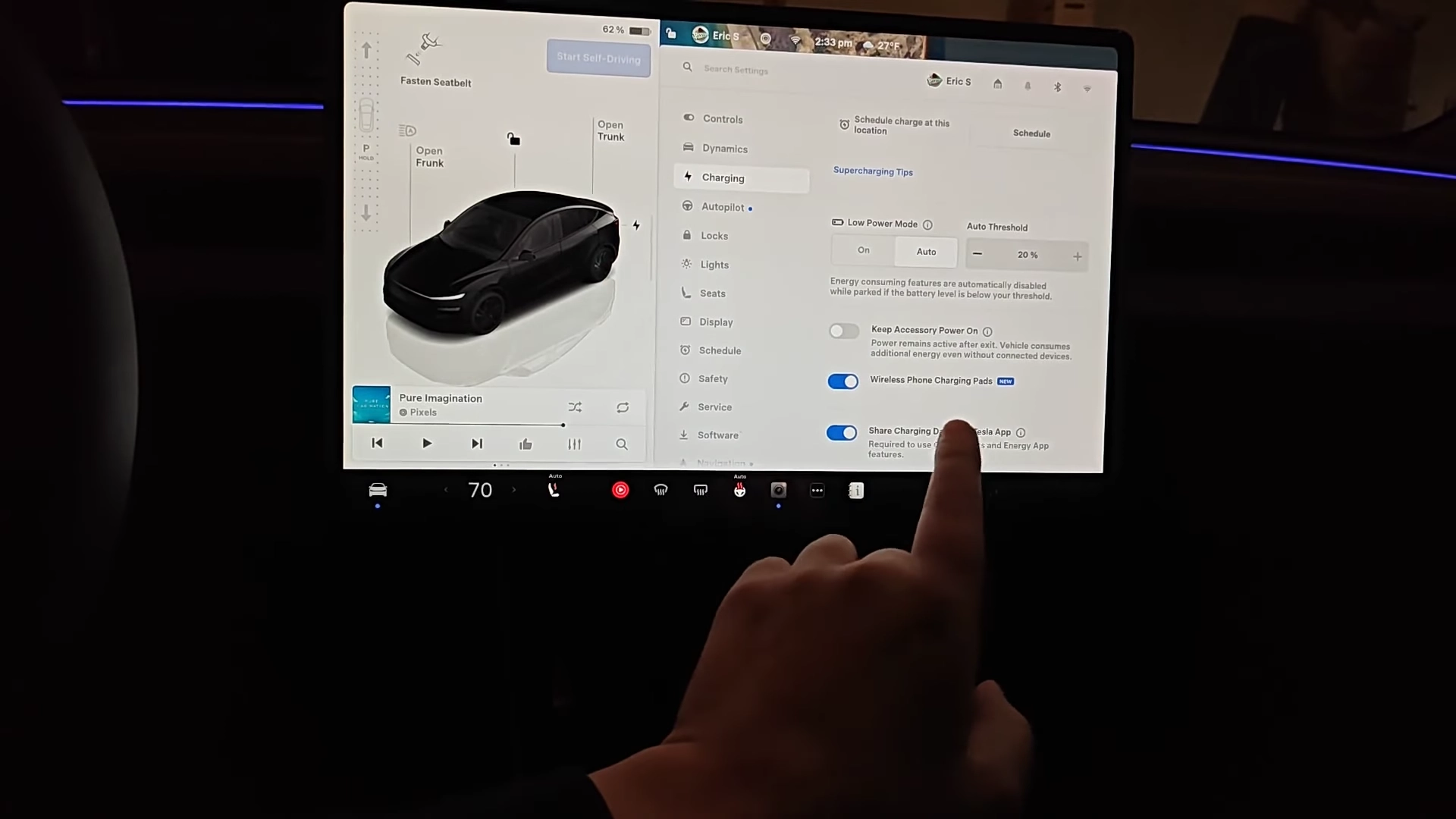
1. Open the Vehicle Menu Start by tapping the car icon in the bottom left corner of the screen to open the main menu.
2. Navigate to the Charging Tab On the left-hand sidebar, select the Charging menu option. This is where you normally view charge limits and Supercharging tips.
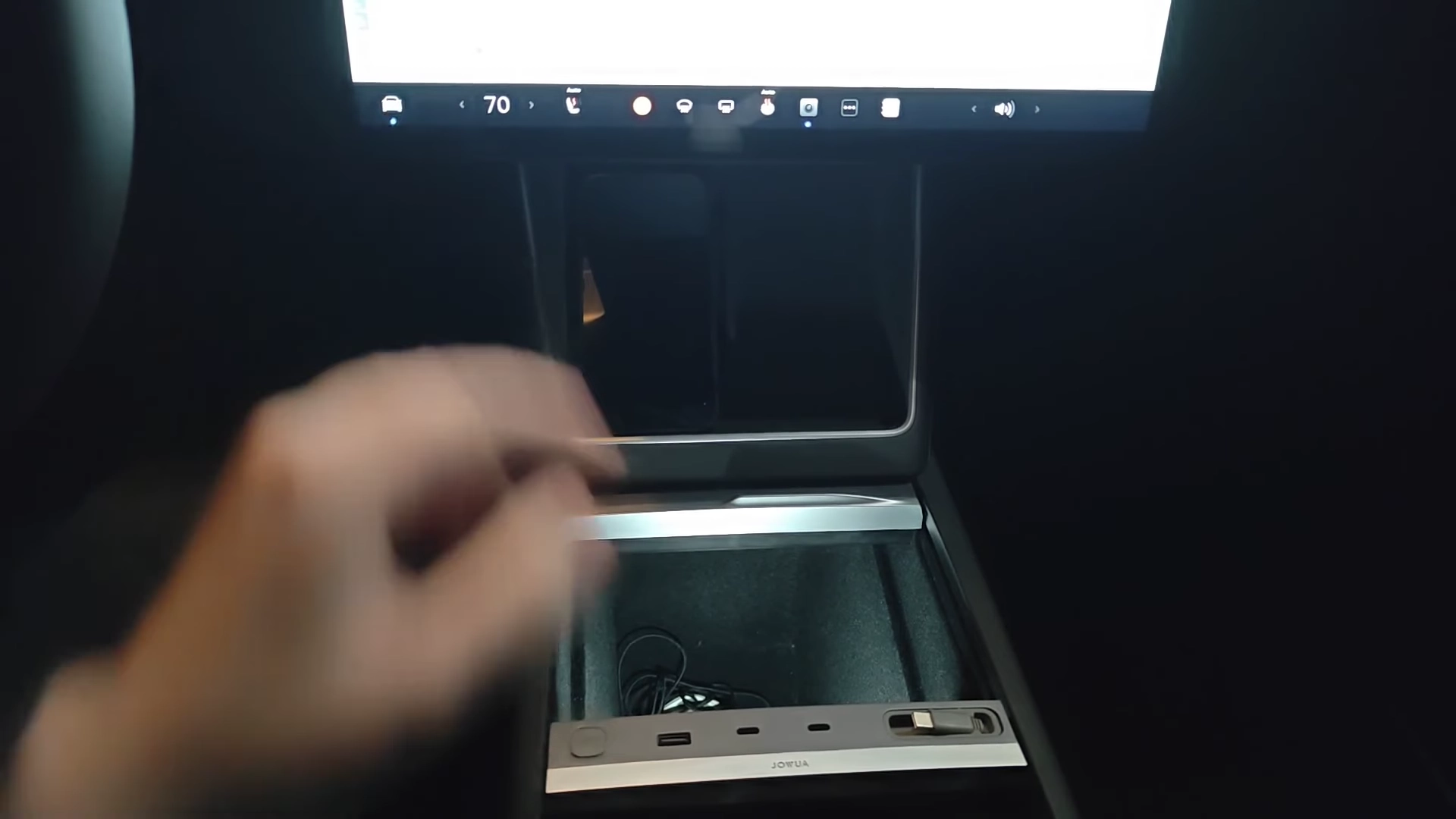
3. Locate the Toggle Switch Scroll down to the bottom of the Charging menu. You will see a new option labeled "Wireless Phone Charging Pad". Simply tap the toggle switch to turn it off. Once disabled, placing your phone on the pad will no longer initiate charging.
Why Turn It Off?
You might wonder why you would want to disable such a convenient feature. The video highlights a few common annoyances with wireless charging:
- Battery Cycling: On some phones, once the battery hits 100%, it stops charging, drops to 99%, and immediately starts charging again. This constant cycling can be distracting and potentially harsh on the battery.
- Heat Generation: Wireless charging is generally less efficient than wired charging and generates significant heat. If you are on a long road trip, your phone can become uncomfortably hot.
A Wired Charging Alternative
If you disable the wireless pad but still need to charge devices, or if you have electronics that don't support wireless charging, using the USB-C ports in the center console is the best bet.
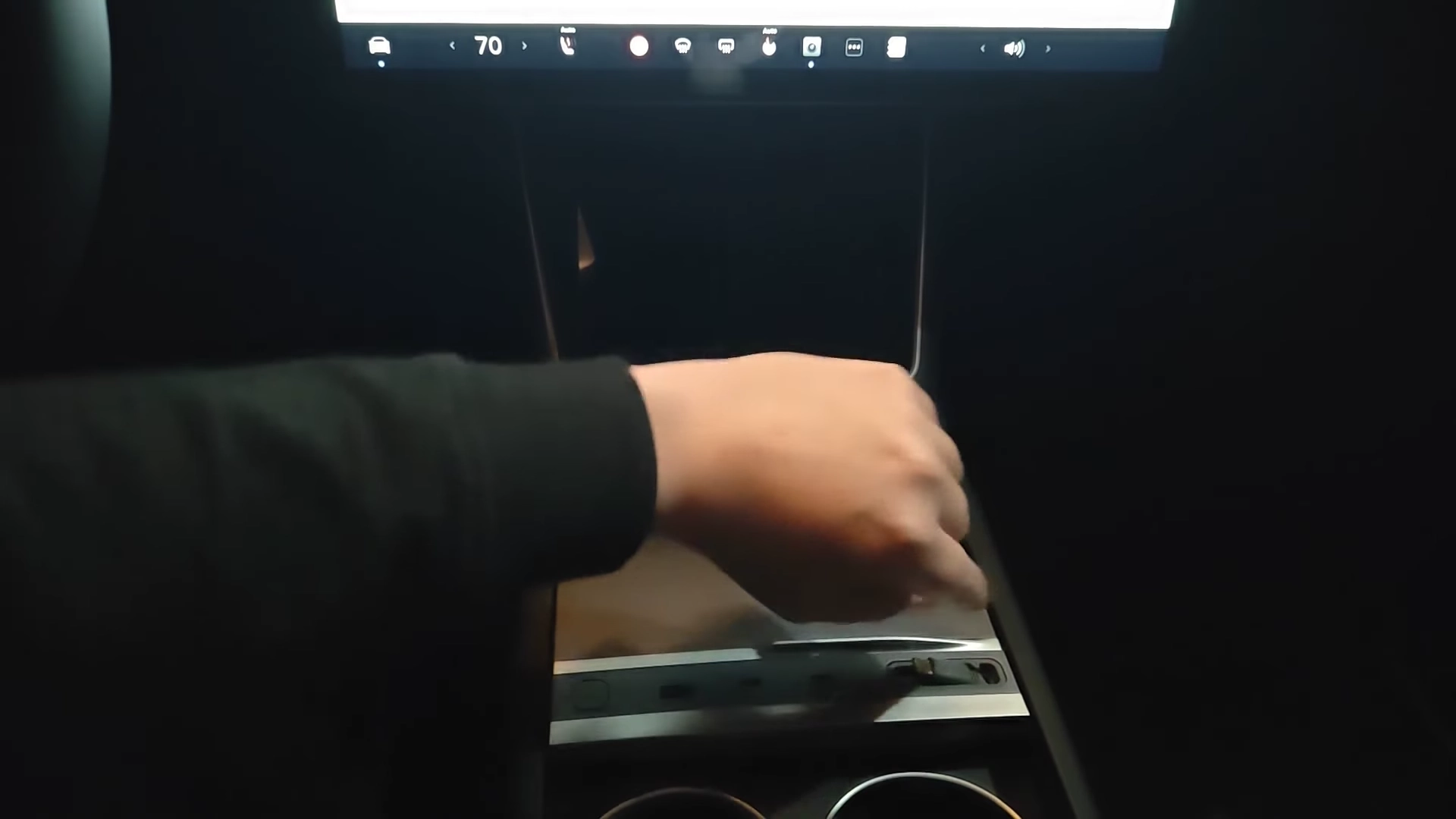
The video showcases a third-party USB hub organizer (specifically from Jowua) that fits perfectly into the center console. This accessory expands your connectivity options, offering retractable cables and high-wattage USB-C ports capable of charging laptops or fast-charging phones without the excess heat of wireless pads.